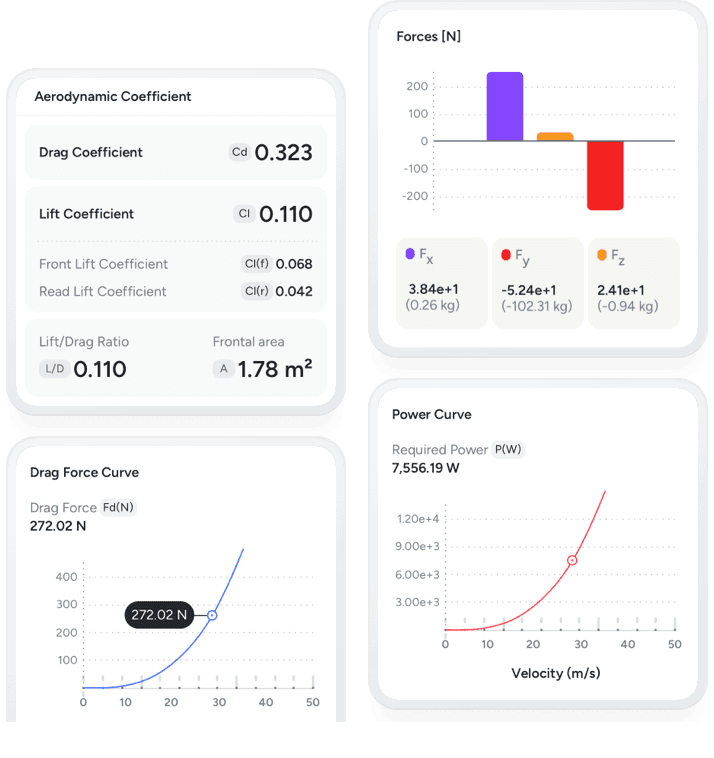
Track performance metrics
Analyze performance metrics like forces, drag & lift coefficients, aero balance, pitch/roll/yaw moments, and more.
Compare designs with confidence, make accurate performance predictions and accelerate your engineering workflow.
Zero-friction Setup. Upload your 3D CAD model — AirShaper handles the rest. From pre-processing to post-processing.
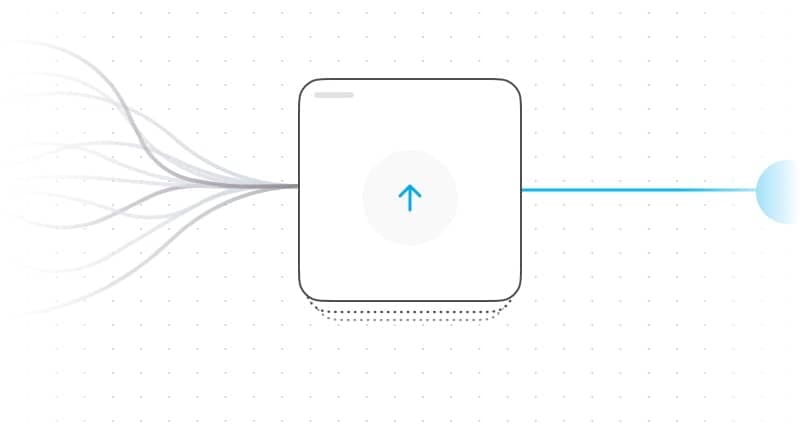
Set up simulations in minutes with support for complex, non-watertight 3D models, simple input of basic parameters, and fully automated adaptive mesh refinement.
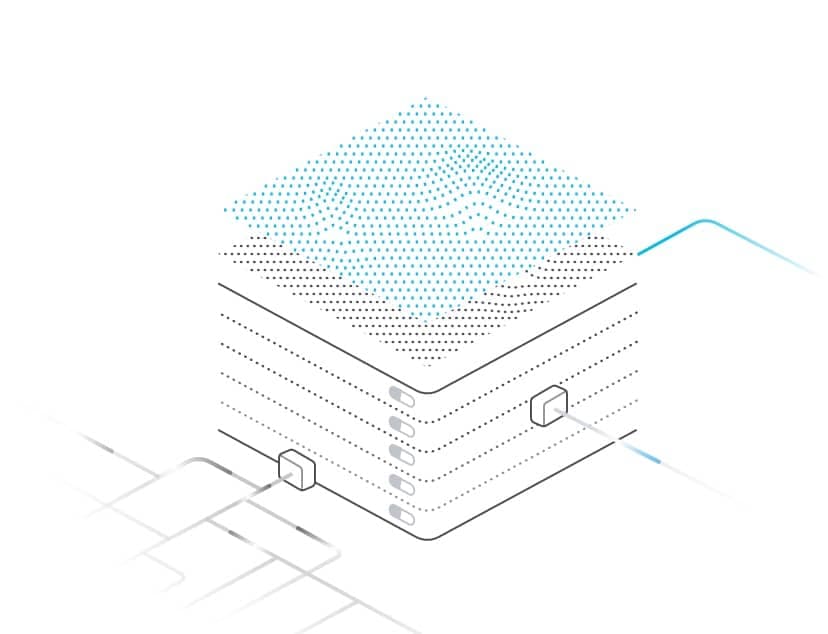
Run simulations hands-free with intelligent convergence detection and automated averaging to ensure stable, accurate, and consistent results.
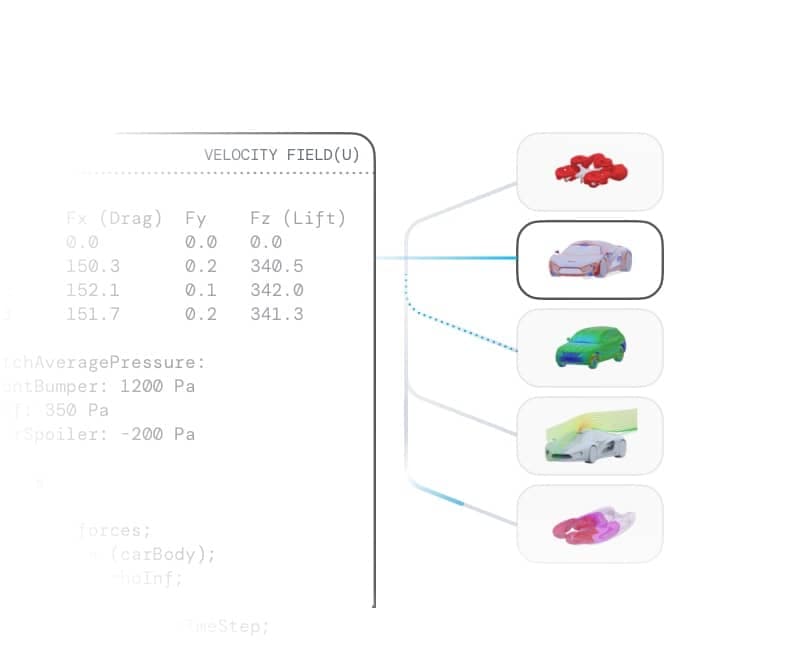
Automatically receive post-processed results including interactive 3D visualizations and key performance metrics such as drag, lift, and aerodynamic coefficients.
Make faster, data-driven design decisions with clarity and confidence. Visualize flow patterns, measure forces, and uncover performance insights that matter.
Analyze performance metrics like forces, drag & lift coefficients, aero balance, pitch/roll/yaw moments, and more.
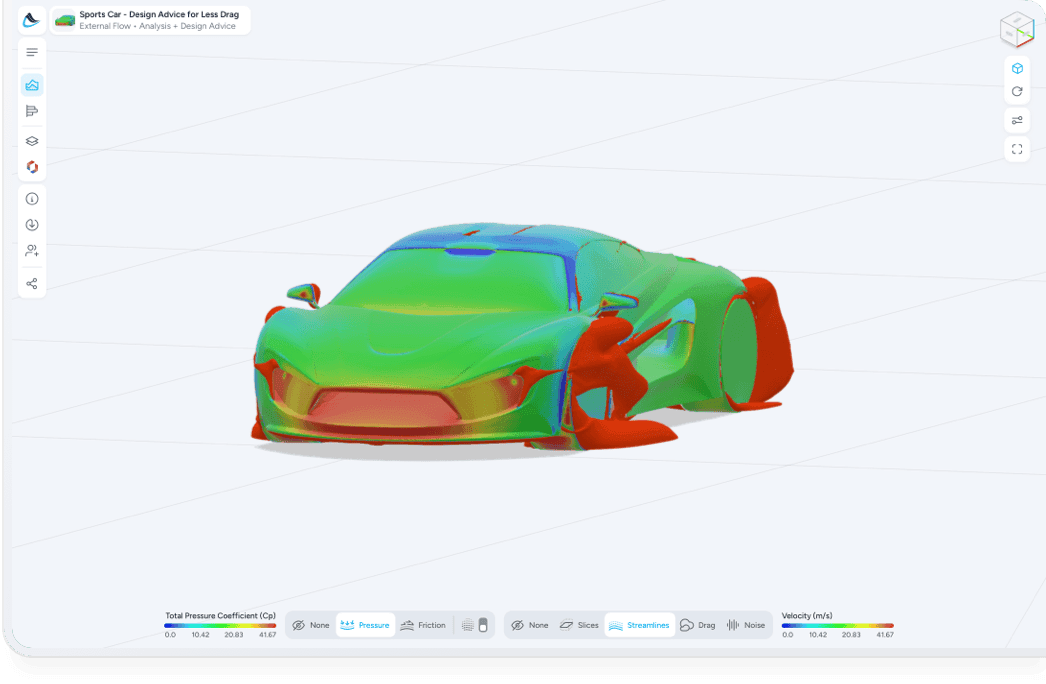
Understand flow patterns, spot sources of drag and analyse pressure & friction maps to make smarter design decisions.
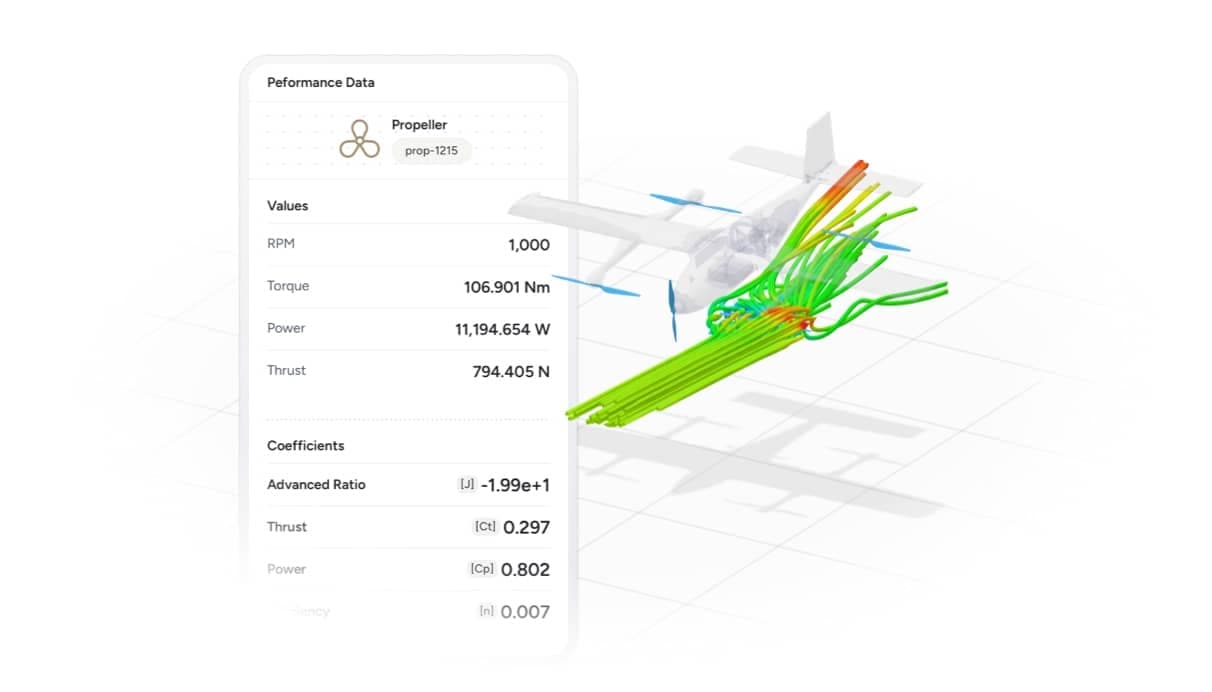
Examine the airflow, pressure patterns and forces on elements like propellers, radiators, inlets/outlets
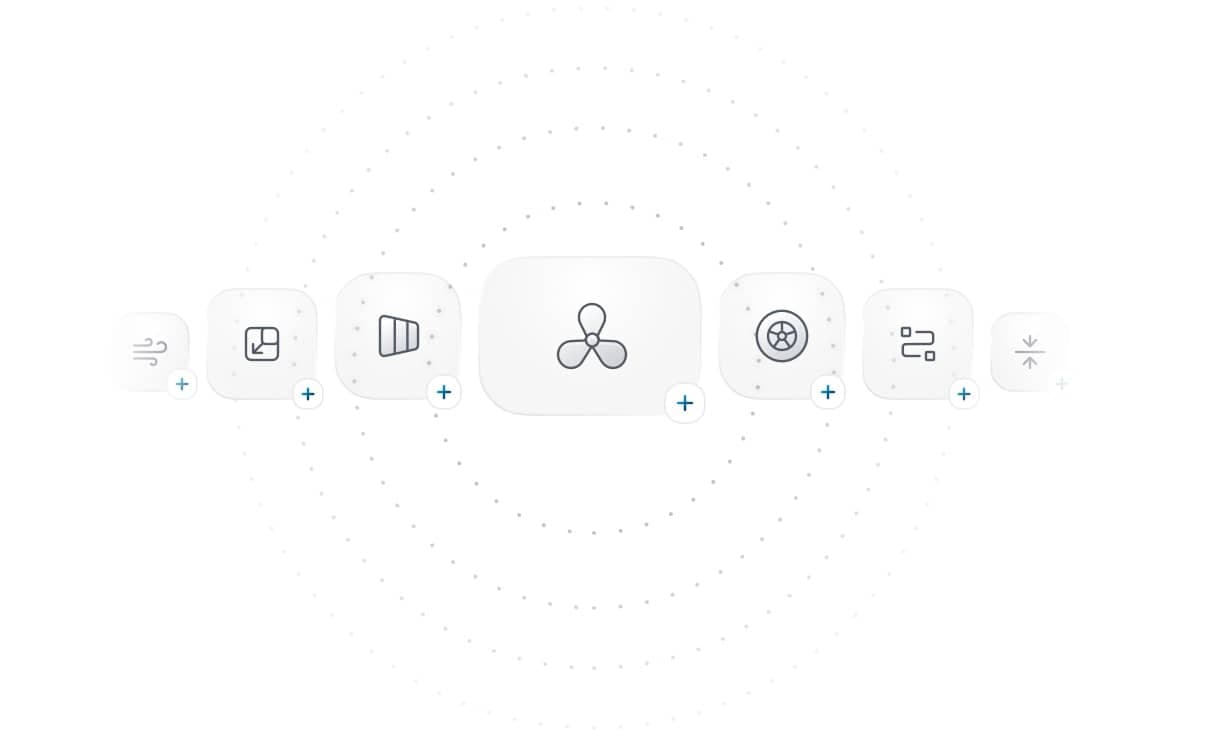
Model rotating wheels, propellers, radiators, inlets/outlets, tire compression, ride height, viscosity, density, and surface roughness.
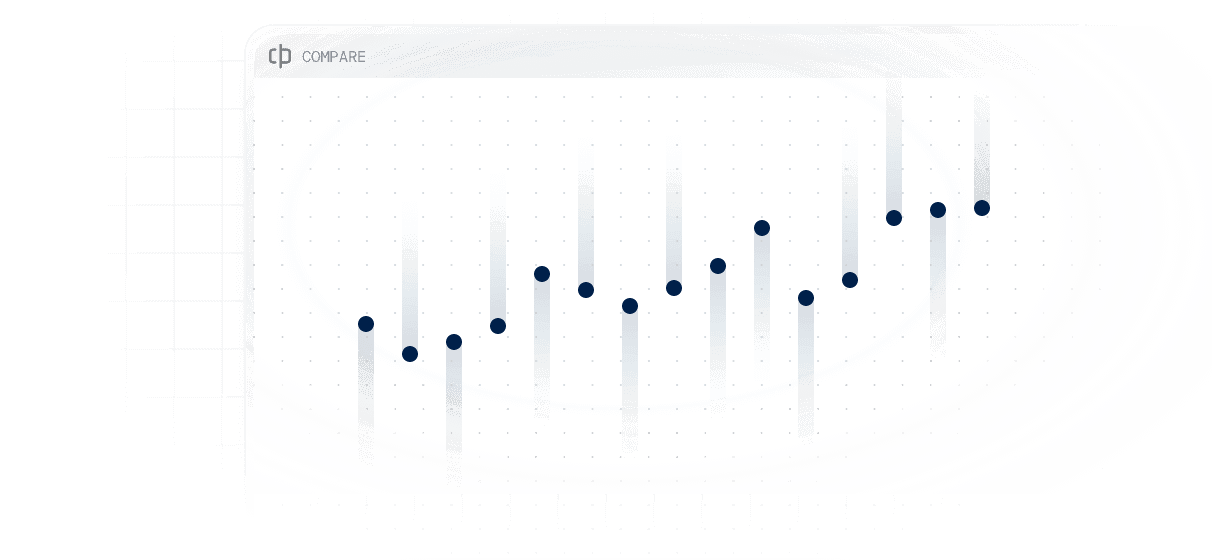
Instantly analyze drag, lift, coefficients, and other critical performance metrics across multiple projects - all in one place.
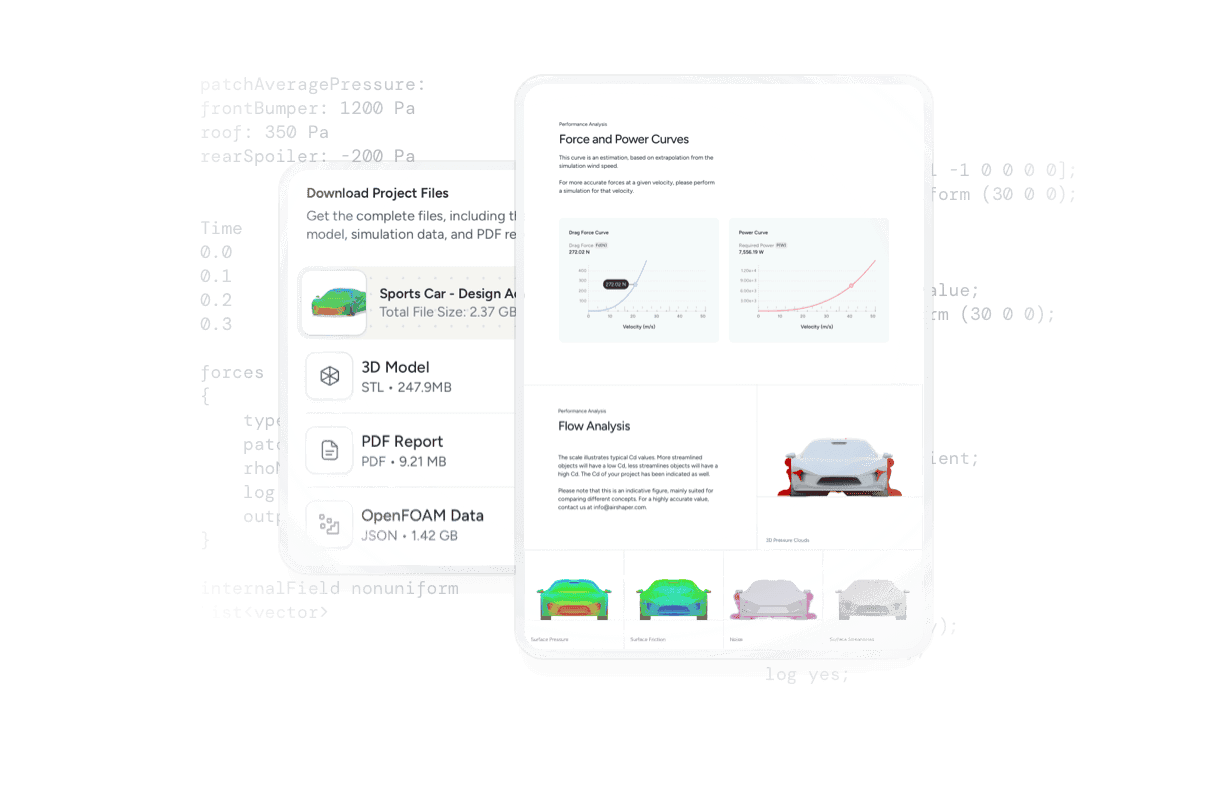
Open detailed simulation reports in your browser, and download OpenFOAM simulation data for further post-processing in Paraview
Stop guessing where changes matter, get improvement suggestions through intuitive color-coded visualizations across your design surface.
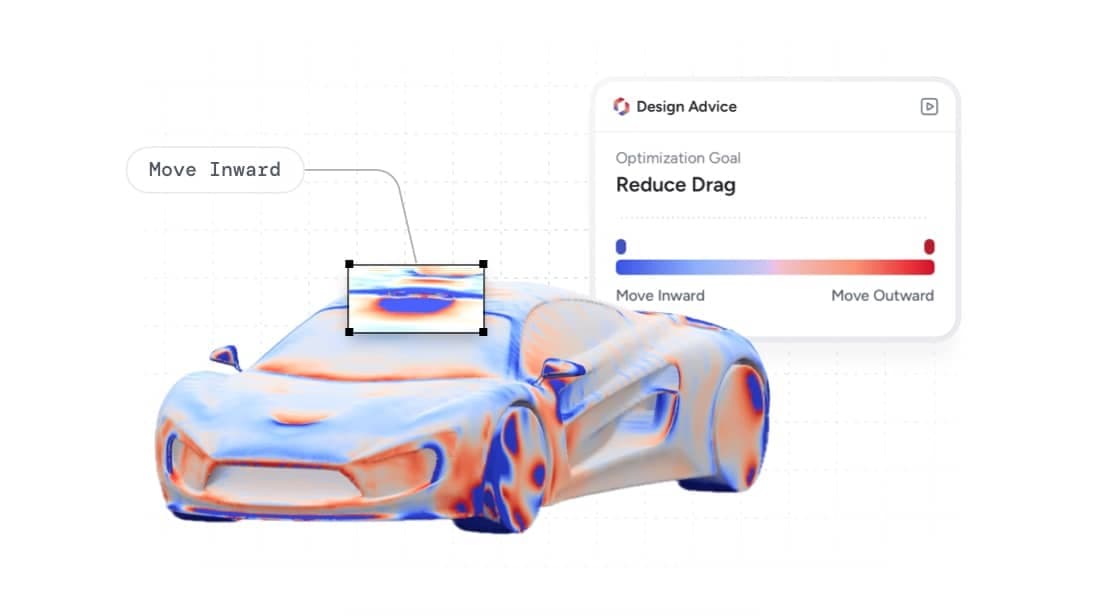
Instantly see which areas of your design deliver the greatest aerodynamic gains, so you can focus effort where it matters most.
Refine your design through color coded suggestions. Balance this input versus production feasibility, safety, aesthetics and other constraints only you know.
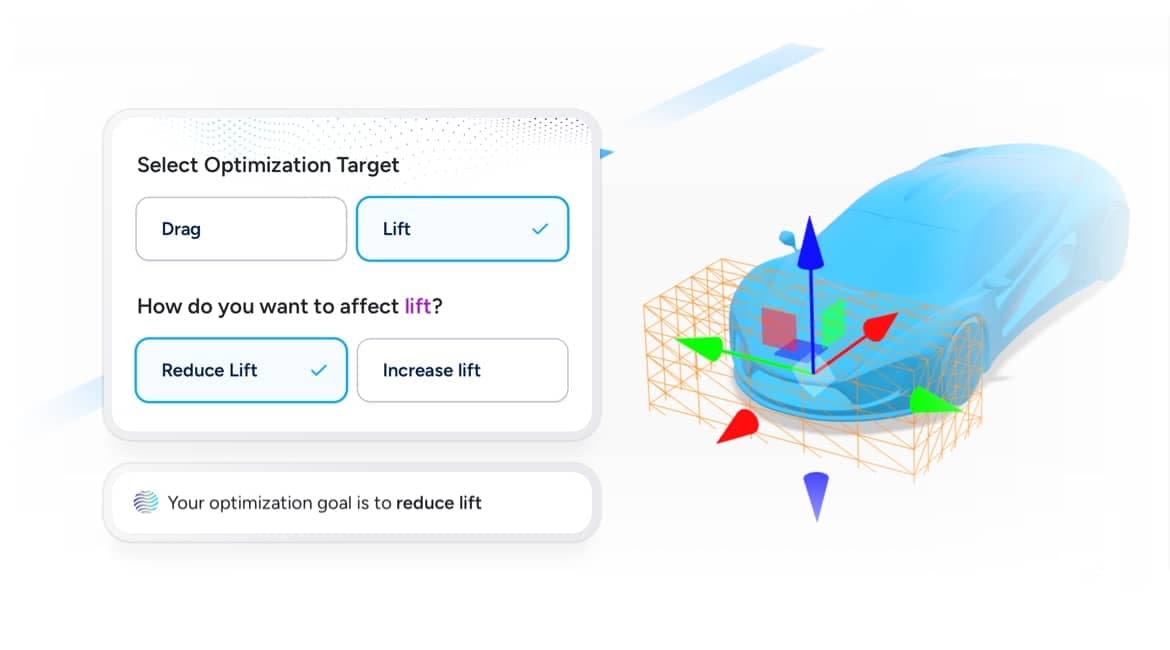
Select an aerodynamic target - increase or decrease the drag or lift - and see how each area contributes to overall performance at a single glance.
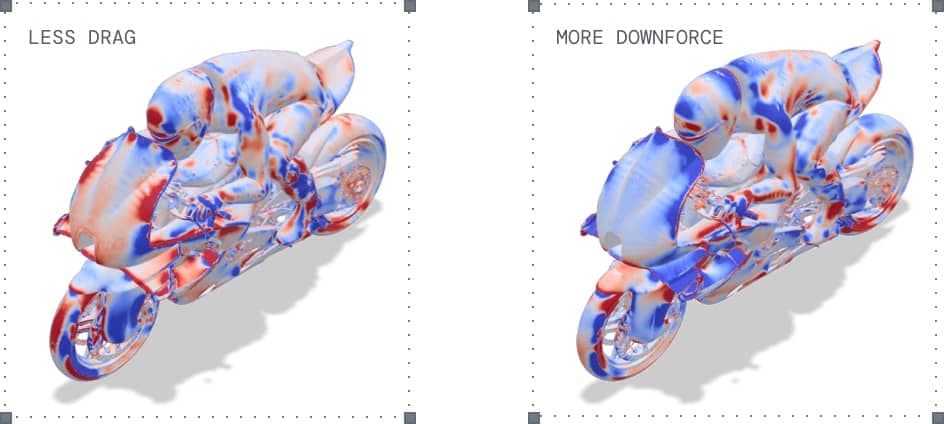
Balance multiple aerodynamic objectives by comparing design maps to identify trade-offs and commonalities.
“We have been using AirShaper at (NIO) ONVO Design to get quicker aerodynamic simulations that are faster than the traditional ones with very similar results. Also, AirShaper’s Design Advice [map] provides us a red and blue map of areas for potential improvements on Cd values, giving Design flexibility to play with to achieve Cd targets.”

No manual trial and error —AI Morphing automatically reshapes your 3D model within a defined design space–revealing higher-performing aerodynamic geometries.
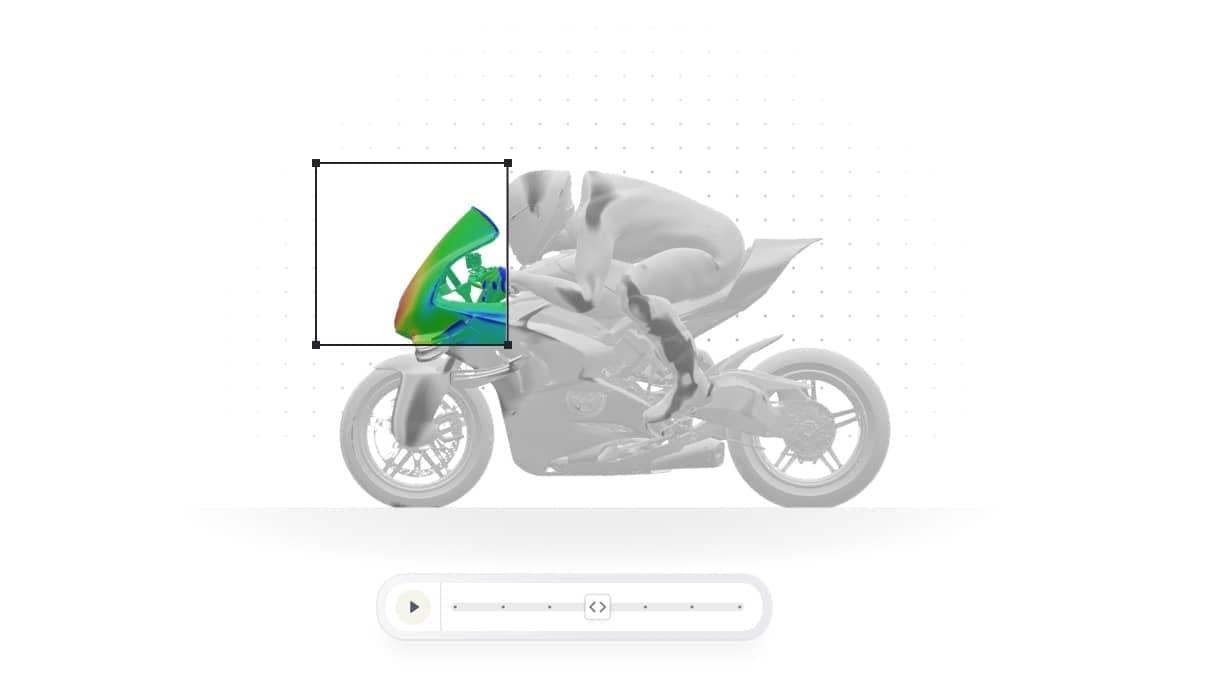
Go beyond manual iteration. Generate complex shapes that push aerodynamic performance further.
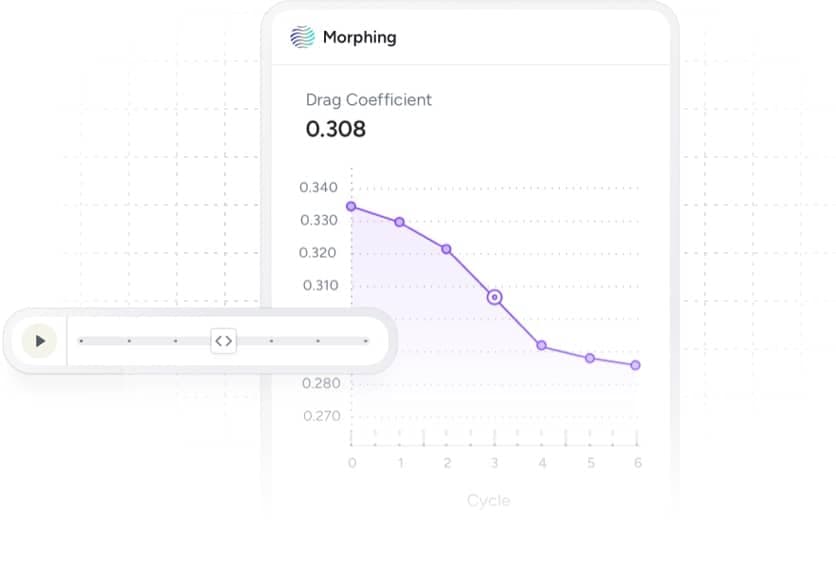
Instantly identify the most promising design directions and focus on solutions that deliver real aerodynamic gains.
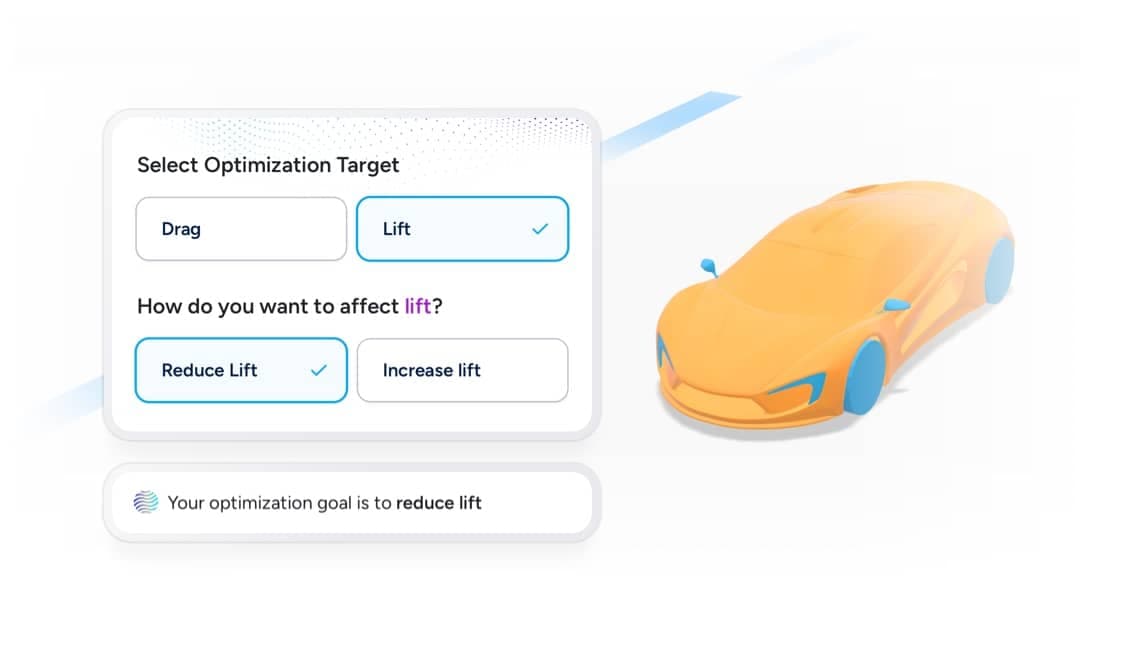
Select your drag or lift target and let the app intelligently reshape your 3D model, moving straight toward high-performing solutions.
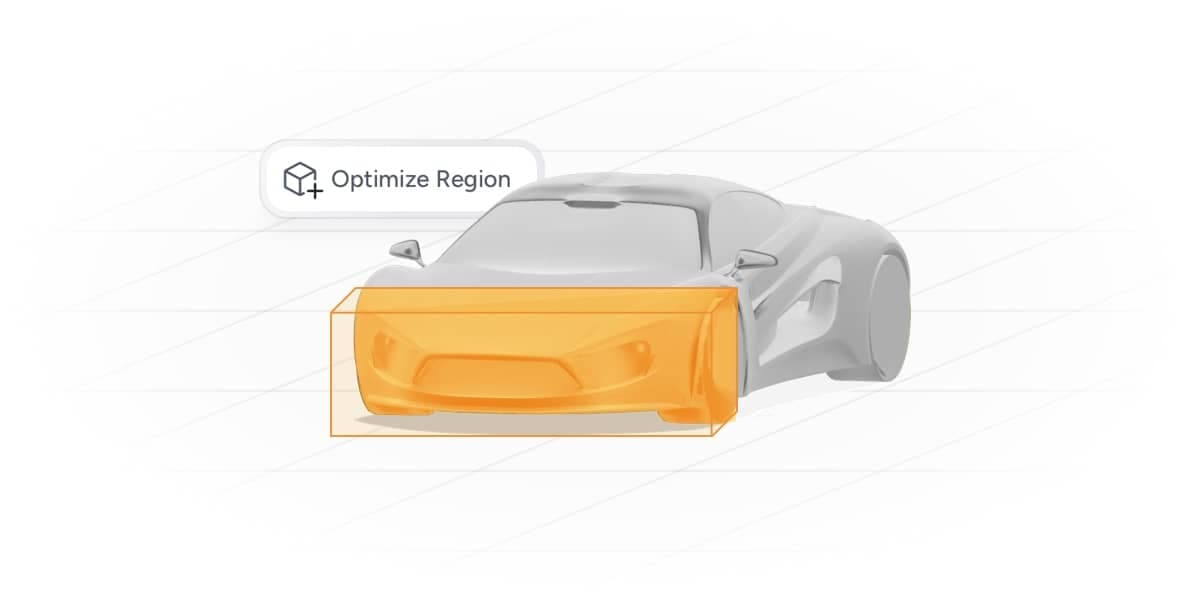
Optimize exactly where you want–select specific parts or regions to refine and improve performance.
Connect with our experts for hands-on support and professional advice whenever you need it–available on Professional and Enterprise Plans.
Work directly with our specialists who have helped create world-record-breaking designs.
Our experts help you navigate complex design issues and optimize solutions efficiently.
Access tips, methods, and workflows used in top-performing, record-breaking designs.
Standardize your team’s simulation workflow to eliminate inconsistencies, improve comparability across projects, and ensure reliable, fully transparent results every time.
By standardizing the entire simulation process, we eliminate result variability caused by subjective and manual setup, ensuring highly consistent outputs across teams
Steady-state RANS simulations using the k-omega SST turbulence model within OpenFOAM environment validated across a wide range of applications and Reynolds number.
AirShaper’s adaptive mesh refinement technology automatically adjusts the resolution of the mesh locally to accurately resolve the specifc flow physics around your geometry.